
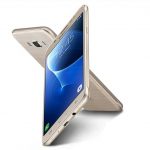
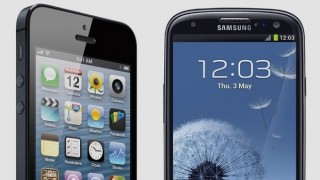
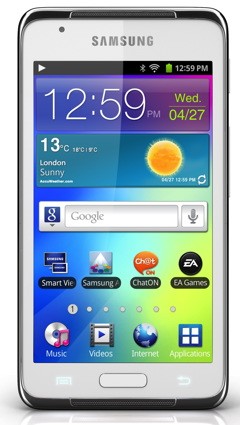
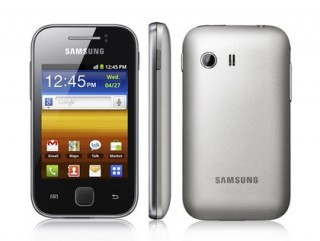
You can now watch high quality youtube videos on your Samrung s+ar, star 3g & corby phones.
Follow this tutorial to watch HQ videos.
Note that 3g as well as EDGE both will work, but speed will be more on 3g.
1. Open m.youtube.com on your phone.
2. Scroll down till the end of page. You will find HELP option there, click it.
3. Many questions are listed there, from which you have to go at How to optimise my phone.
4. Click on optimize. Give answers to all questions.
And thats it. In youtube now you will get two option to watch – Normal and HQ.
Follow the 70-271 tutorial to learn how to install youtube videos on your smart phone. The 70-294 guide and 640-460 demo will help you learn how to optimize your phone









11 Responses
is samsung corby S3650 CAN OPEN youtube or any videos?
Not at all able to view any videos after going through d questionaire…its not responding nyways…plz help me out so as to play youtube on samsung atar 3g
I have for the same as you tell. but i can not watch video. pl help me.
hey i try this to my phone(samsung s3653w) but it always says “page not found”?? can u pls help me out because i cant watch youtube videos on my phone thanks!
Hello,
If i go to help and click optimise then i get an ‘404 NOT FOUND’ error on my samsung star.
Greetz Laurens
There must be problem from you tube server & yeah, don’t run it from opera, use your browser in phone browser
i do go to that steps but nothing happens…. I cant still watch youtube videos
You get two option below any video, normal & HQ, to get High quality you have to click HQ
hello me too i do the steps and answer the questions but nothing changes
hello..i followed the steps…but still the same thing..i cant watch youtube videos..it says connecting/connected but still TRY AGAIN…please help what other options should i do..i have already downloaded opera mini 5.1..still the same thing cant watch youtube..looking forward to your reply…thanks in advance!
I cant still watch youtube even answering the questionaire…